Blog · Quick commerce
Swiggy Instamart ads: a practical guide for brands and agencies
Instamart ads let brands promote products inside Swiggy Instamart, mainly as sponsored products in search and category listings, plus banner and brand placements. You run campaigns and download results from the Instamart brand ads portal, and judge them on ad sales, ROAS and performance by city.
Where Instamart ads appear
- Search ads: sponsored products when a shopper searches, such as "chips" or "protein bar".
- Listing and category ads: sponsored products while shoppers browse a category.
- Banners and brand placements: visual units on the home and category screens, often bought for launches and sale days.
Formats and names change; check the current options in your Instamart ads portal.
Metrics to track in the Instamart portal
| Metric | Use it to |
|---|---|
| Spend and impressions | Check delivery and share of shelf |
| Clicks and CTR | See if the pack shot, price and title earn the tap |
| Orders and conversion rate | Spot price, stock or rating problems |
| Ad sales and ROAS | Judge return against margin (break-even ROAS) |
| City split | Shift budget to cities and dark stores that convert |
Mistakes to avoid
- Cutting a campaign in a city where the real problem was stock-outs at the dark store.
- Judging banner campaigns on same-day ROAS only; they are often bought for reach.
- Comparing Instamart ROAS with Amazon ACoS without converting (ROAS = 100 ÷ ACoS).
- Sending the client separate Blinkit, Zepto and Instamart reports with different column names.
Report Instamart with Blinkit and Zepto
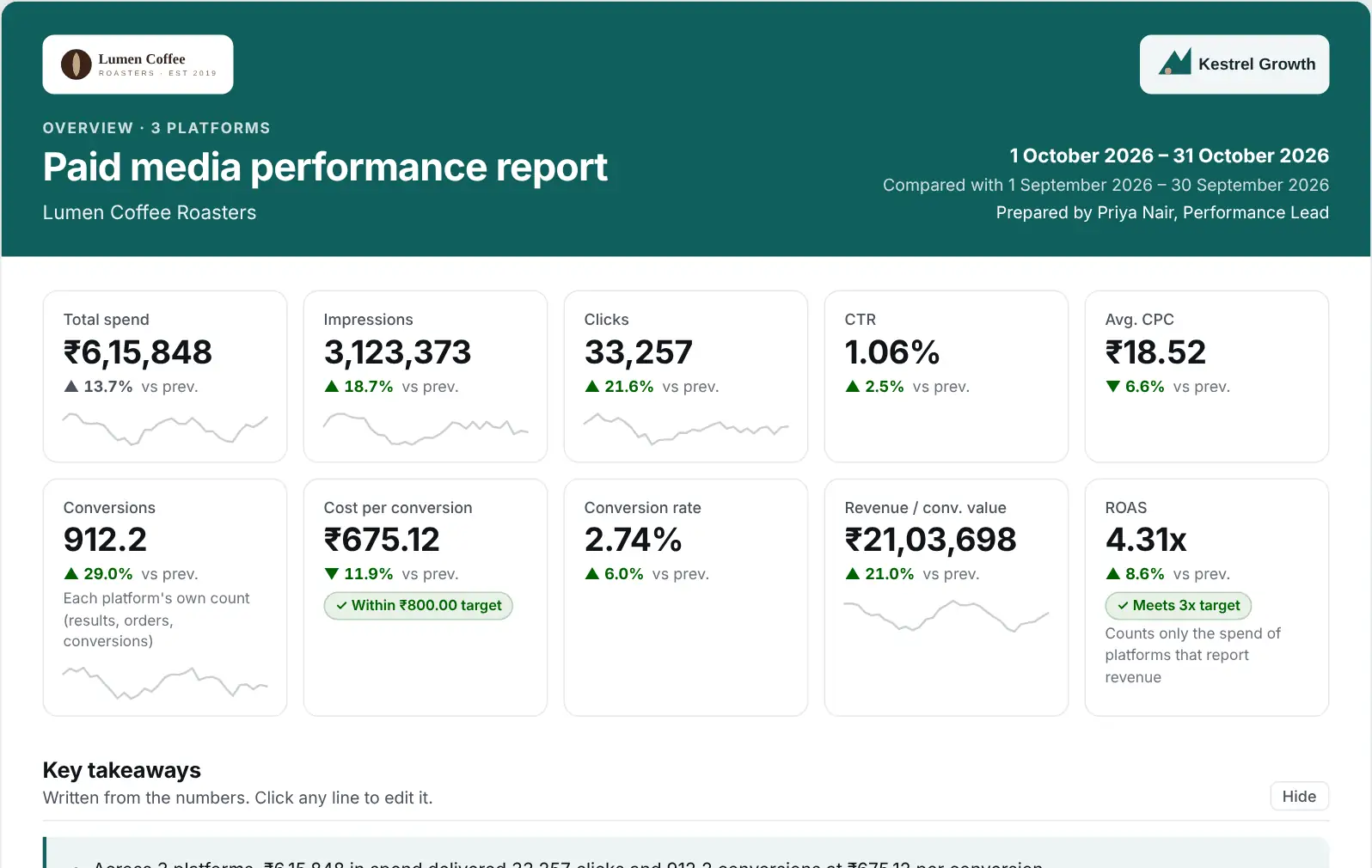
Download the campaign report from each portal and drop all three files into Recapora. You get one branded report with totals across apps and a page per app, with the same metric names everywhere. See the quick commerce ads report, the Blinkit ads guide, the Zepto ads guide and how to export Instamart ads data.
How it works
- Export a table from each ad platform as CSV or Excel. Export guides for 22 platforms.
- Drop the files into Recapora. Platforms, columns, currency and dates are detected for you.
- Add your logo, your client's logo and colours, check the takeaways and download.
Questions
What are Swiggy Instamart ads?
Paid placements that promote a brand's products inside Swiggy Instamart, mainly sponsored products in search and category listings, plus banners.
Where do I see Instamart ads results?
In the Instamart brand ads portal, which shows spend, impressions, clicks, orders, ad sales and ROAS and lets you download reports.
How do I report Instamart, Blinkit and Zepto together?
Download each portal's campaign report and combine them in Recapora into one client report with totals and a page per app.
Related: Microsoft Ads report template · CPM vs CPC · Meta ads metrics explained · LinkedIn ads report template · TikTok ads report template · Amazon ads report template · Negative keywords for Google Ads · UTM parameters for Google and Meta ads · All articles