Blog · Templates
Amazon ads report template for sellers and agencies
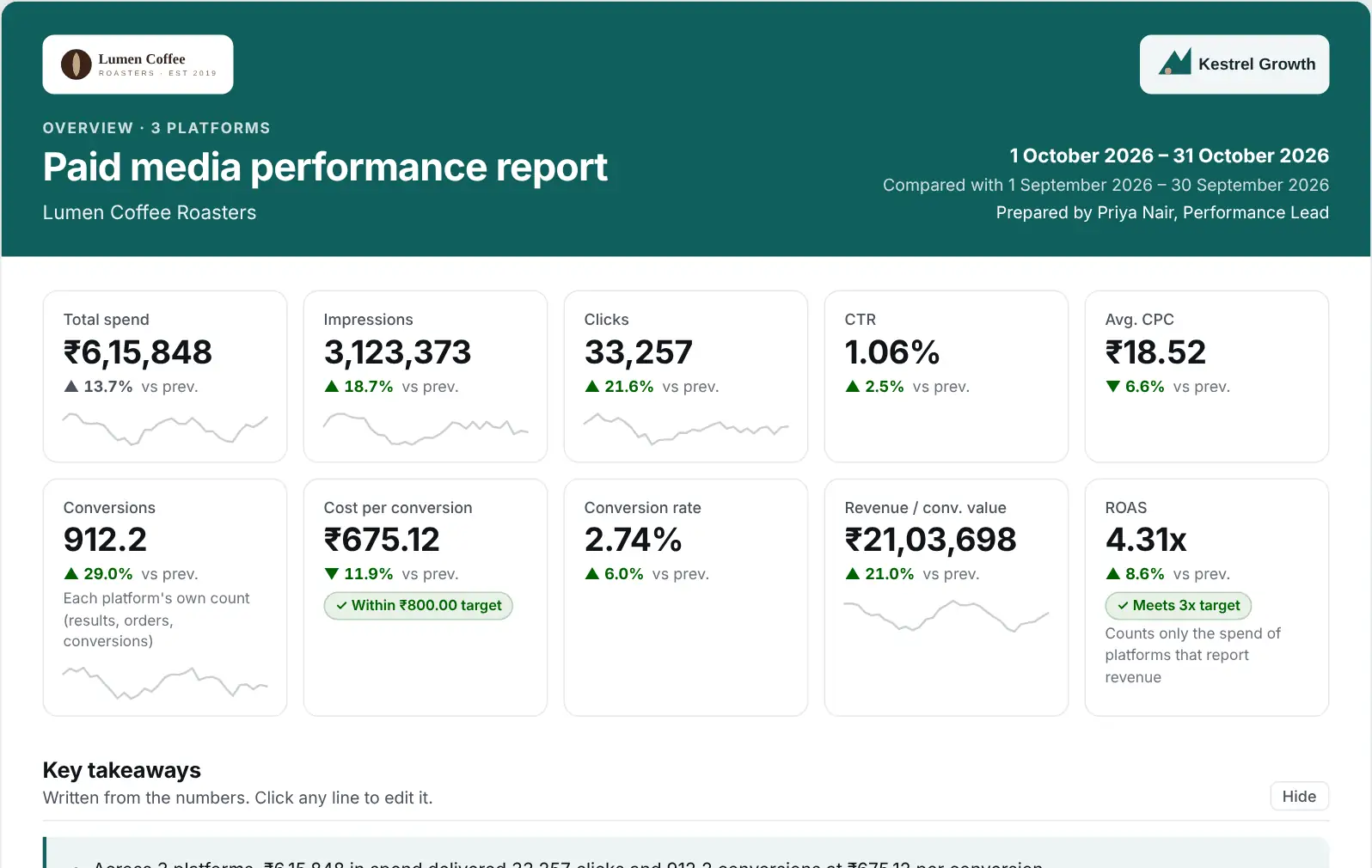
An Amazon ads report should show whether ad spend is profitable and whether it is growing total sales, not just ad sales. Lead with ACoS and TACoS, show the campaigns and the search terms behind them, and end with the keywords you will add or negate.
Metrics to include
| Metric | What it tells the client |
|---|---|
| Spend and ad sales | The basic return |
| ACoS and ROAS | Efficiency of ad spend (ROAS = 100 ÷ ACoS) |
| TACoS | Ad spend against total sales, so you see if ads lift organic sales |
| CPC and CTR | Price and appeal of the listing in search |
| Conversion rate | Listing quality, price and reviews |
Page layout
- Summary: spend, ad sales, ACoS, TACoS and the change from last month.
- By ad type: Sponsored Products, Sponsored Brands and Sponsored Display.
- Campaigns: the full table, sorted by spend.
- Search terms: top converting terms to harvest and wasted terms to negate.
How to export from Amazon
In the Amazon Ads console, open Sponsored ads reports, create a Campaign report and a Search term report with a Daily time unit, and download both. Steps: Amazon ads export guide. For the difference between the two efficiency numbers see ACoS vs ROAS and Amazon advertising reports explained.
Build it in minutes
Upload the exports to Recapora: it calculates ACoS, ROAS and the rest, builds the summary and campaign pages with your logo, and can sit next to Flipkart, Blinkit or Meta in one report. Use the free ACoS calculator and negative keyword lists for the search term page.
How it works
- Export a table from each ad platform as CSV or Excel. Export guides for 22 platforms.
- Drop the files into Recapora. Platforms, columns, currency and dates are detected for you.
- Add your logo, your client's logo and colours, check the takeaways and download.
Questions
What should an Amazon ads report include?
Spend, ad sales, ACoS, ROAS, TACoS, CPC, CTR and conversion rate, split by ad type and campaign, plus a search term page.
What is the difference between ACoS and TACoS?
ACoS is ad spend divided by ad sales. TACoS is ad spend divided by total sales, including organic, so it shows whether ads grow the whole business.
Which Amazon reports do I need?
A Campaign report and a Search term report from Sponsored ads reports, with a Daily time unit, cover most client reports.
Related: Microsoft Ads report template · CPM vs CPC · Meta ads metrics explained · Instamart ads guide · LinkedIn ads report template · TikTok ads report template · Negative keywords for Google Ads · UTM parameters for Google and Meta ads · All articles