Blog · Templates
LinkedIn ads report template for B2B clients
A good LinkedIn ads report answers one question for a B2B client: what did each lead cost, and were they the right people? Keep it to spend, leads, cost per lead, CTR and a short note on audience quality, then add a page per campaign. Here is the template and how to fill it from Campaign Manager.
Metrics to include
| Metric | Why it matters on LinkedIn |
|---|---|
| Spend | LinkedIn clicks are expensive, so budget is the first thing clients check |
| Impressions and CTR | Shows whether the creative stands out in the feed |
| CPC | Price of traffic; watch it by audience |
| Leads and cost per lead | The headline number for most B2B accounts |
| Lead form completion rate | Tells you if the form is too long |
| Job title and company breakdown | Proves you reached the right buyers |
Page layout
- Summary: spend, leads, cost per lead and the change from last month, with two or three written takeaways.
- Campaigns: one row per campaign with the metrics above.
- Audience: top job functions, seniorities and companies reached.
- Next month: what you will test or change.
How to export the data
In Campaign Manager set the date range, click Export and choose the campaign performance report with a daily breakdown. Add the demographics report if you want the audience page. Full steps: LinkedIn ads export guide.
Build it in minutes
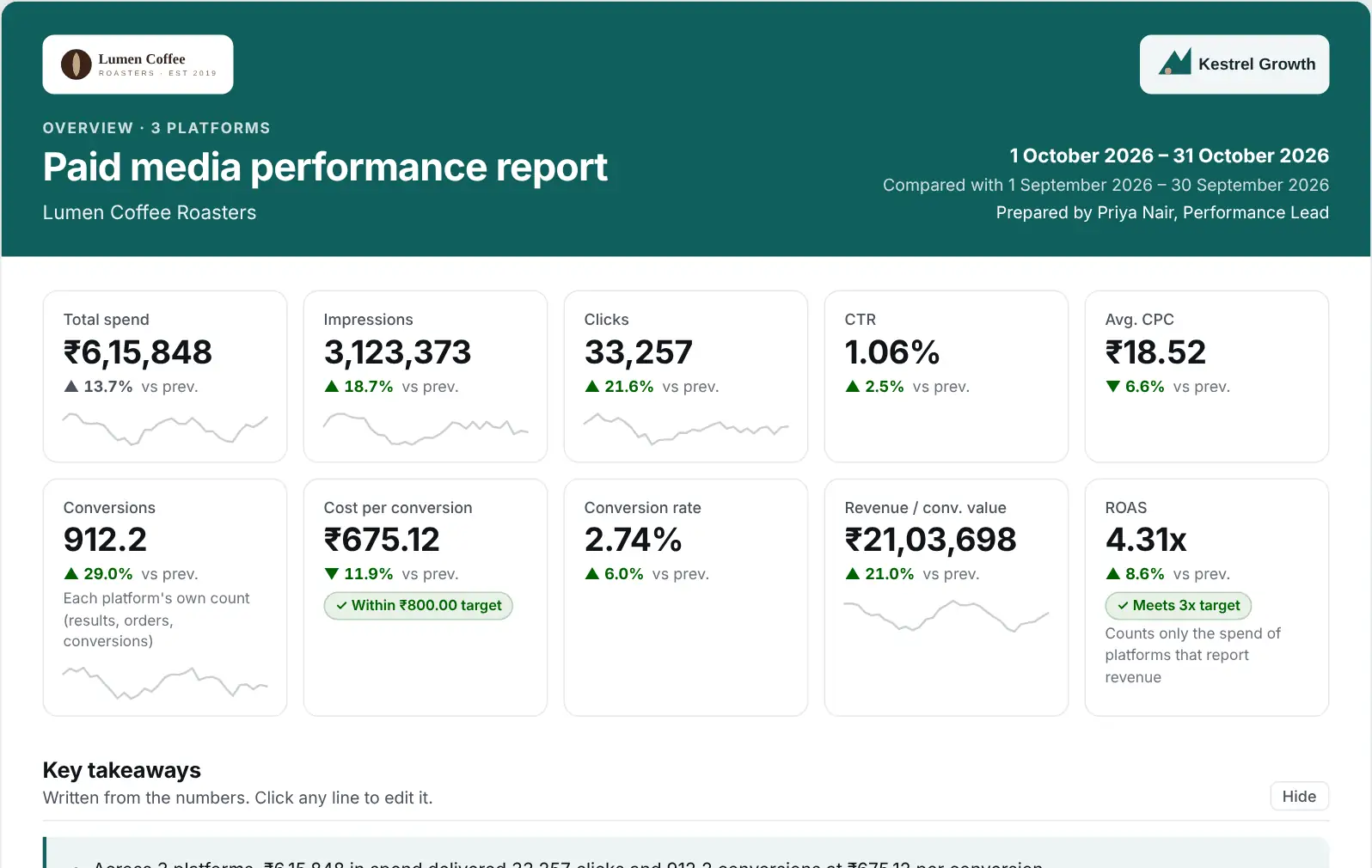
Drop the export into Recapora: it maps LinkedIn's columns, works out CTR, CPC and cost per lead, and builds the summary and campaign pages with your logo. If the client also runs Google or Meta, add those files for one cross-platform report. Try the CPA and CPL calculator for quick checks.
How it works
- Export a table from each ad platform as CSV or Excel. Export guides for 22 platforms.
- Drop the files into Recapora. Platforms, columns, currency and dates are detected for you.
- Add your logo, your client's logo and colours, check the takeaways and download.
Questions
What should a LinkedIn ads report include?
Spend, impressions, CTR, CPC, leads, cost per lead, lead form completion rate and a breakdown of job titles or companies reached, plus short takeaways.
Where do I export LinkedIn ads data?
In LinkedIn Campaign Manager: set the date range, click Export and download the campaign performance report as CSV.
Can I combine LinkedIn with Google and Meta ads in one report?
Yes. Upload each platform's export to Recapora and it builds one report with totals and a page per platform.
Related: Microsoft Ads report template · CPM vs CPC · Meta ads metrics explained · Instamart ads guide · TikTok ads report template · Amazon ads report template · Negative keywords for Google Ads · UTM parameters for Google and Meta ads · All articles