Quick commerce
One report for Blinkit, Zepto and Instamart ads
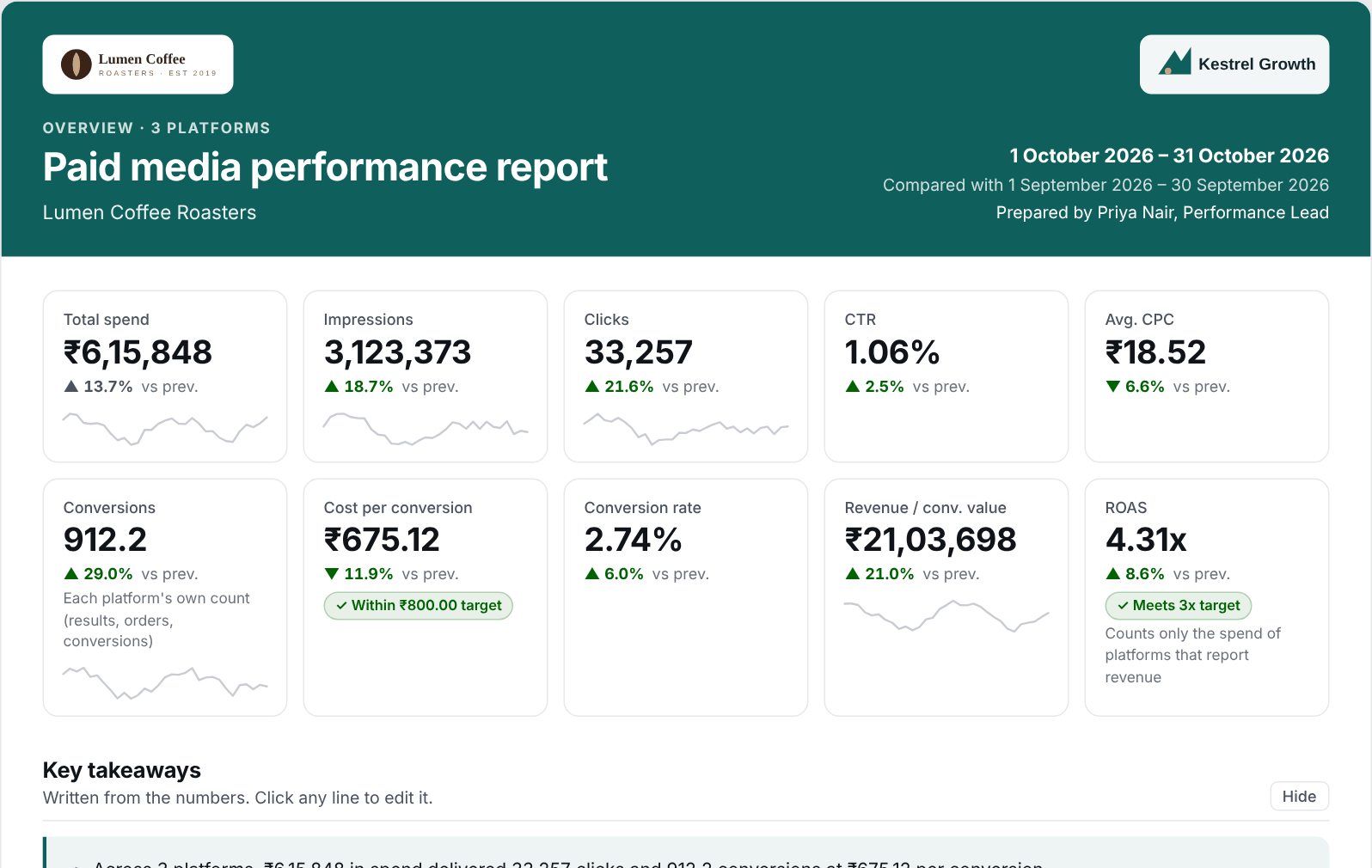
Brands selling on quick commerce in India usually advertise on two or three apps at once, and every portal exports a different file. Recapora reads all of them and puts spend, sales and ROAS side by side.
What the report shows
- Total quick commerce ad spend, ad sales and ROAS, with change versus last period.
- A page per app: Blinkit, Zepto and Swiggy Instamart.
- Top and bottom campaigns and products.
- Daily trends, so you can see sale days and stock-outs.
- Comparison with Amazon, Flipkart and Meta in the same report if you run them.
How to make it
- Download the ads report for the period from each brand portal.
- Drop the files into Recapora. It recognises each portal's columns.
- Add the brand's logo and colours and download the report.
Metrics to watch on quick commerce
Watch ROAS (or its inverse, ACoS), cost per order and sales by city. A falling ROAS in one city often means a stock problem at the dark store rather than an ad problem, so check availability before cutting bids. Use the free ACoS calculator to compare apps on the same scale.
How it works
- Export a table from each ad platform as CSV or Excel. Export guides for 22 platforms.
- Drop the files into Recapora. Platforms, columns, currency and dates are detected for you.
- Add your logo, your client's logo and colours, check the takeaways and download.
Questions
Can I combine Blinkit and Zepto ads data?
Yes. Download each portal's ads report and drop both files into Recapora; it matches the columns and adds them up.
Which metric matters most for quick commerce ads?
ROAS (sales ÷ spend), read alongside stock availability by city, because out-of-stock items still use budget on some apps.
Related: How to calculate ROAS · Meta ads ROAS goal · Looker Studio alternatives · Blinkit ads guide · What is a good ROAS? · How to read a Google Ads report · Meta ads report template · Google Ads report template (Excel) · All articles