Blog · Tracking
UTM parameters for Google Ads and Meta ads, done once and done right
UTM parameters are tags on your ad links that tell Google Analytics 4 which platform, campaign and ad brought each visit. Set them once at account level with dynamic values, keep the names lowercase and consistent, and your GA4 reports, CRM and client reports will finally agree.
The five UTM parameters
| Parameter | What it means | Example |
|---|---|---|
| utm_source | The platform | google, facebook, linkedin |
| utm_medium | The type of traffic | cpc, paid_social, email |
| utm_campaign | The campaign | diwali_sale |
| utm_term | Keyword or ad set | {keyword} |
| utm_content | The ad or creative | video_1 |
GA4 puts cpc and paid_social mediums into its Paid Search and Paid Social channels, so stick to those words.
UTMs for Google Ads
Keep auto-tagging on (it adds the gclid that links Google Ads and GA4). Then add UTMs for every other tool with one Final URL suffix at account level:
utm_source=google&utm_medium=cpc&utm_campaign={campaignid}&utm_term={keyword}&utm_content={creative}
The values in braces are ValueTrack parameters: Google fills in the campaign ID, keyword and ad ID on every click, so you never tag ads by hand.
UTMs for Meta ads
In each ad, under Tracking › URL parameters, paste:
utm_source=facebook&utm_medium=paid_social&utm_campaign={{campaign.name}}&utm_term={{adset.name}}&utm_content={{ad.name}}
Meta replaces the double-brace values with your real campaign, ad set and ad names. Because the names flow into GA4, name your campaigns cleanly in Ads Manager too.
A naming system that keeps reports clean
- Lowercase only. GA4 treats Facebook and facebook as different sources.
- Underscores instead of spaces.
- Campaign names that read left to right:
goal_audience_offer_month, for examplesales_lookalike_diwali_nov26. - Never put UTMs on internal links on your own site; they restart the session and break attribution.
Build links in seconds
The free UTM builder has presets for Google Ads, Meta, LinkedIn, TikTok, email and WhatsApp, cleans names automatically, and gives you either the full URL or just the parameters to paste.
From clean tracking to a clean client report
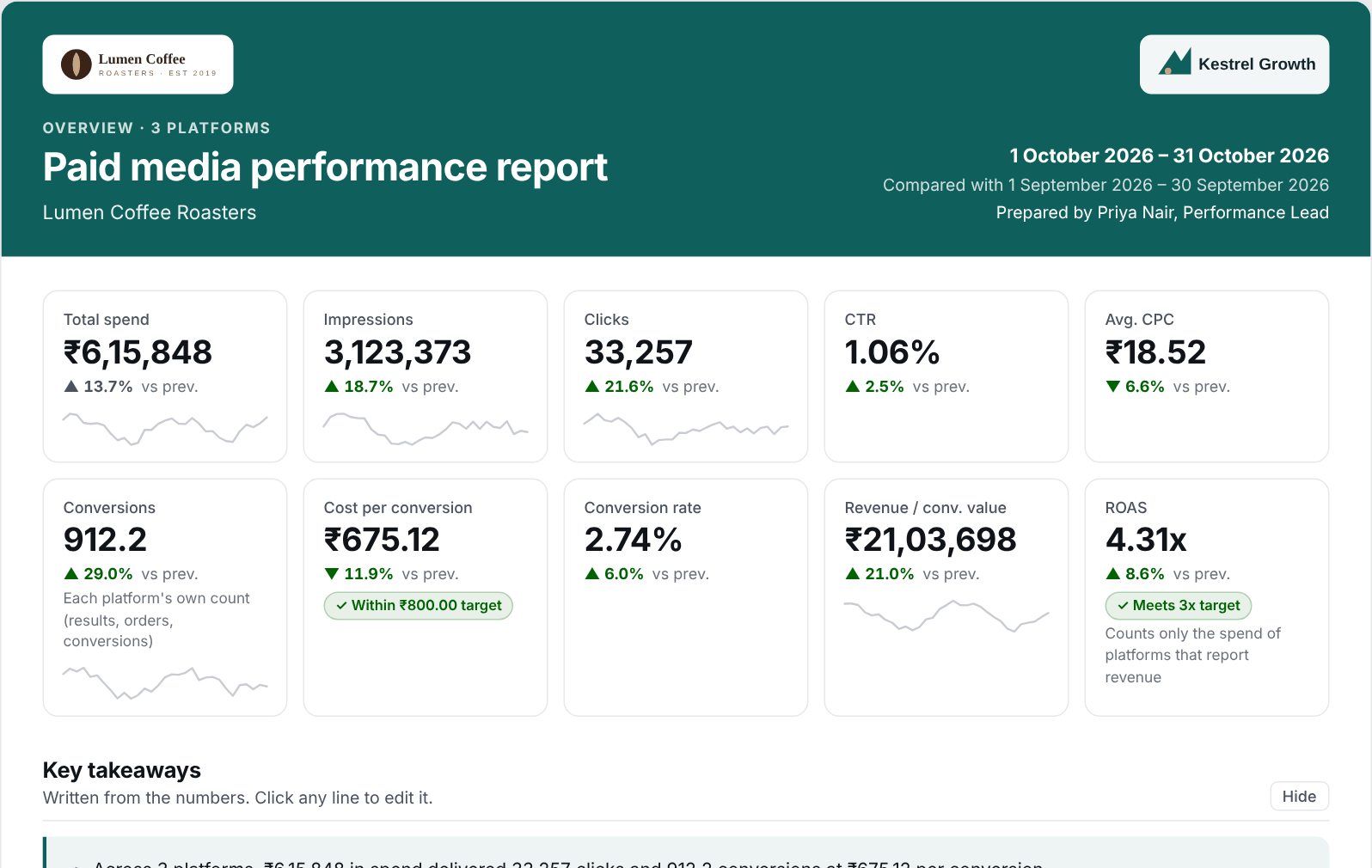
With consistent UTMs, GA4, the ad platforms and your CRM tell the same story. Export the campaign data and Recapora builds one branded report across Google, Meta and the rest, with ROAS, CPA and written takeaways. See a sample report.
How it works
- Export a table from each ad platform as CSV or Excel. Export guides for 22 platforms.
- Drop the files into Recapora. Platforms, columns, currency and dates are detected for you.
- Add your logo, your client's logo and colours, check the takeaways and download.
Questions
Do I need UTM parameters if Google Ads auto-tagging is on?
Auto-tagging is enough for Google Ads data in GA4. Add UTMs too if you use other analytics tools, a CRM or server logs, because they cannot read the gclid.
What utm_medium should I use for Meta ads?
Use paid_social (or cpc). GA4 groups these into the Paid Social channel when the source is a social site such as facebook or instagram.
Are UTM parameters case-sensitive?
Yes. GA4 treats Facebook and facebook as two different sources, so keep every value lowercase.
Where do I add UTMs in Google Ads?
Use the Final URL suffix at account, campaign or ad group level. Account level with ValueTrack parameters covers everything at once.
Related: Negative keywords for Google Ads · What is a good CTR? · Zepto ads guide · Flipkart ads guide · Meta ads report in Google Sheets · Google Ads reporting tools · How to calculate ROAS · Meta ads ROAS goal · All articles