Blog · Google Ads
Negative keywords for Google Ads: a starter list and a weekly routine
Negative keywords stop your ads from showing for searches that will never buy, such as people looking for jobs, free downloads or a course. Most new accounts waste 10% to 30% of their budget on these searches. Start with a shared list of the obvious ones, then add new negatives from your search terms report every week.
What a negative keyword does
A negative keyword tells Google: do not show my ad when the search contains this. If you sell Google Ads management, the negative "jobs" stops your ad from showing for google ads jobs in delhi. You pay for fewer useless clicks, and your CTR, conversion rate and CPA all improve.
Which match type to use for negatives
| Negative match | Written as | Blocks | Use it for |
|---|---|---|---|
| Phrase | "free" | Any search containing the phrase in that order | The safe default |
| Exact | [seo course] | Only that exact search | Blocking one search without hurting similar ones |
| Broad | jobs | Searches with all the words, in any order | Single words that are never relevant |
Negative keywords do not match close variants or synonyms. Add plurals and spellings yourself (job and jobs).
A starter negative keyword list
These categories are wasted spend for most businesses that sell a product or service:
- Jobs and careers: job, jobs, career, hiring, vacancy, salary, internship, recruitment, resume, naukri
- Free and cheap: free, freebie, cheapest, giveaway, torrent, crack, pirated
- DIY and how-to: diy, how to make, tutorial, homemade
- Learning: course, training, certification, syllabus, exam, pdf, notes, project report
- Research: what is, meaning, definition, wiki, examples, ppt
- Used and repair: used, second hand, olx, rent, repair
- Downloads and apps: download, apk, login, telegram
- Support searches: customer care number, complaint, refund status
Remove any that are your business. If you sell courses, do not block course. Build and copy the list in your preferred match type with the free negative keyword list generator.
Where to add them
- In Google Ads, open Tools › Shared library › Negative keyword lists.
- Create a list such as Account negatives and paste your keywords.
- Apply the list to every search and shopping campaign.
- For Performance Max, add account-level negative keywords under Account settings.
The weekly routine that keeps spend clean
- Open Insights and reports › Search terms for the last 7 days.
- Sort by cost. Look at every search that spent money without converting.
- Add irrelevant ones as phrase or exact negatives at the right level (account, campaign or ad group).
- Use negatives between ad groups so each search goes to the ad group with the best ad. Generate the variants with the match type generator.
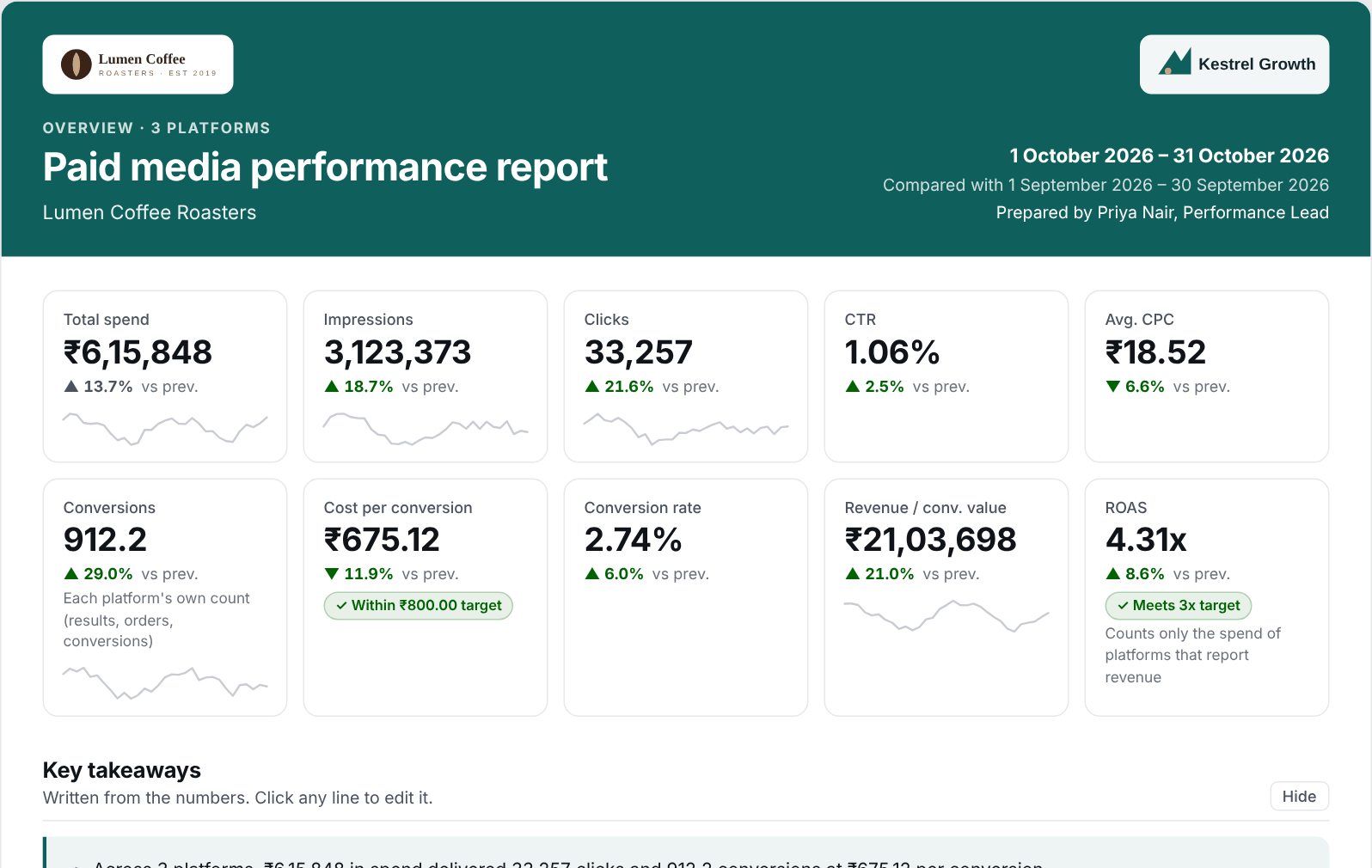
Ten minutes a week usually pays for itself many times over. Then show the result to the client: falling CPA in a clear monthly report.
Mistakes to avoid
- Blocking words you sell, such as price or cost, which often come from buyers.
- Using broad negatives for phrases, which can block good searches.
- Adding negatives only once at launch and never again.
- Forgetting that negatives at ad group level do not protect other campaigns.
How it works
- Export a table from each ad platform as CSV or Excel. Export guides for 22 platforms.
- Drop the files into Recapora. Platforms, columns, currency and dates are detected for you.
- Add your logo, your client's logo and colours, check the takeaways and download.
Questions
What are negative keywords in Google Ads?
Words or phrases that stop your ads from showing when they appear in a search. They cut spend on searches that will not convert, such as jobs, free or DIY searches.
Should negative keywords be phrase or exact match?
Phrase match is the safe default for negatives. Use exact match when you want to block one specific search but still show for similar ones.
How often should I add negative keywords?
Check the search terms report every week for the first months of a campaign, then every two weeks once it is stable.
Can I add negative keywords to Performance Max?
Yes. Add account-level negative keywords in Account settings; they apply to Performance Max and other eligible campaigns.
Related: UTM parameters for Google and Meta ads · What is a good CTR? · Zepto ads guide · Flipkart ads guide · Meta ads report in Google Sheets · Google Ads reporting tools · How to calculate ROAS · Meta ads ROAS goal · All articles