Blog · Marketplaces
Amazon Ads reporting API vs manual report downloads
The Amazon Ads API lets developers request Sponsored Products, Brands and Display reports in code. It needs an approved API app and engineering time. For monthly client reports, downloading the reports from the console and uploading them to a reporting tool is usually enough.
How the API reporting flow works
- Register an app and get API access approved by Amazon Ads, then authorise it with Login with Amazon for each advertiser account.
- Request a report: choose the ad product, report type, columns, date range and time unit.
- Poll until the report status is complete; reports are generated asynchronously.
- Download the file (compressed JSON) and load it into your database or BI tool.
Endpoints and versions change; check the current Amazon Ads API documentation before you build.
When the API is worth it
- You manage many accounts and need daily data in a warehouse.
- You run bidding or budget automation.
- You have a developer to maintain the integration as the API changes.
When downloads are enough
For a monthly or weekly client report, go to Sponsored ads reports in the console, create a Campaign report and a Search term report with a Daily time unit, and download them. That takes minutes and needs no API approval. Steps: Amazon ads export guide; what each report contains: Amazon advertising reports explained.
Turn the downloads into a client report
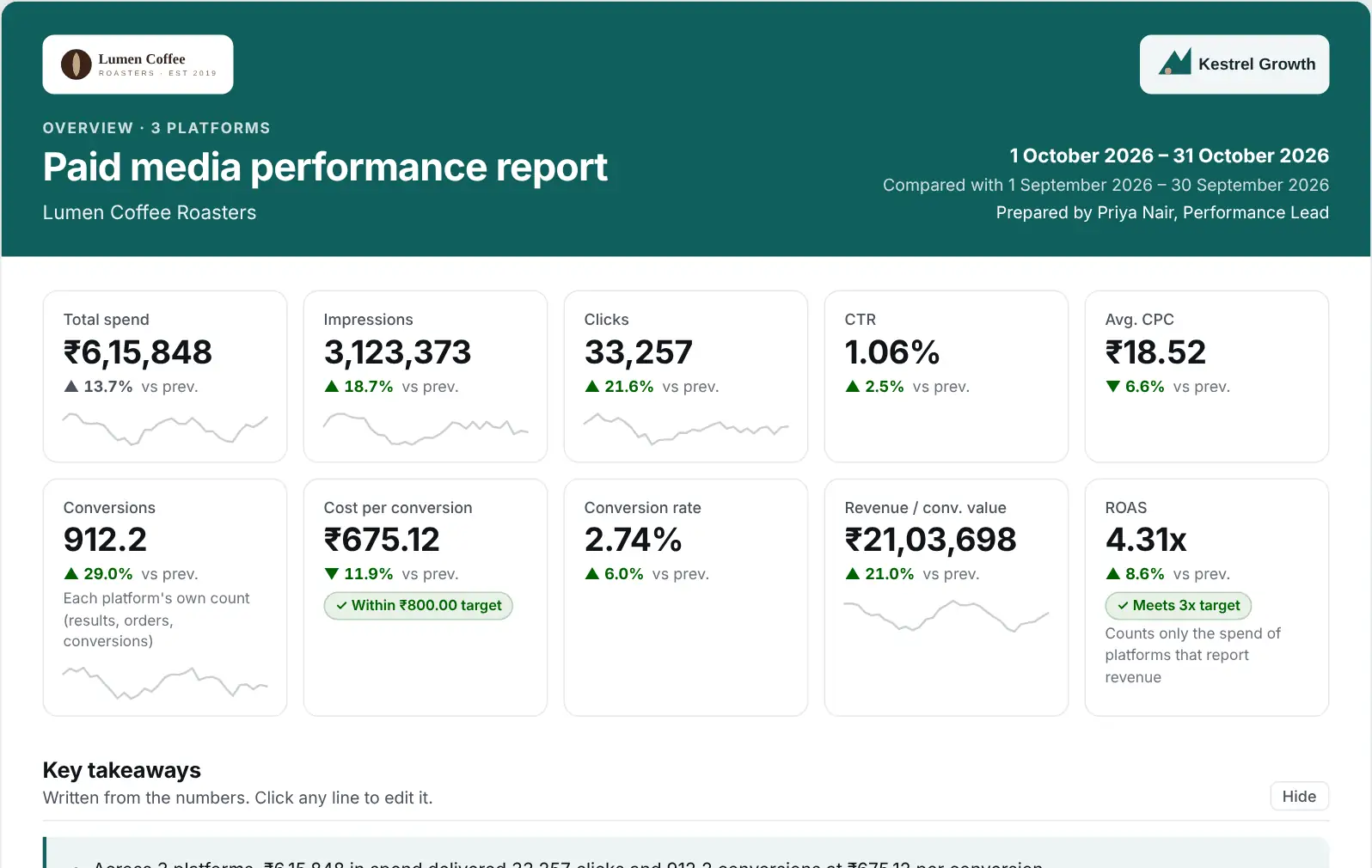
Upload the files to Recapora to get ACoS, ROAS, TACoS and search term pages in a branded report, next to Flipkart, Blinkit or Meta if the brand runs them. See the Amazon ads report template and ACoS vs ROAS.
How it works
- Export a table from each ad platform as CSV or Excel. Export guides for 22 platforms.
- Drop the files into Recapora. Platforms, columns, currency and dates are detected for you.
- Add your logo, your client's logo and colours, check the takeaways and download.
Questions
Does Amazon Ads have a reporting API?
Yes. The Amazon Ads API lets approved developers request, poll for and download advertising reports for Sponsored Products, Brands and Display.
Do I need the API for client reports?
Usually not. Downloading Campaign and Search term reports from the console each month and uploading them to a reporting tool is faster to set up.
What format are Amazon Ads API reports in?
Reports are generated asynchronously and downloaded as compressed files, typically JSON, which you then load into your own system.
Related: PPC formulas cheat sheet · Export Google Ads to Excel · Budget pacing formula · Microsoft Ads report template · CPM vs CPC · Meta ads metrics explained · Instamart ads guide · LinkedIn ads report template · All articles