Blog · Metrics
Budget pacing formula, with Excel and Sheets examples
Budget pacing tells you whether ad spend is on track for the month. Pacing % = spend to date ÷ (monthly budget × days passed ÷ days in month). Above 100% you will overspend; below 100% you will leave budget unused.
The formulas
- Expected spend to date = budget × days passed ÷ days in month
- Pacing % = spend to date ÷ expected spend to date
- Projected month-end spend = spend to date ÷ days passed × days in month
- Daily budget needed = (budget − spend to date) ÷ days left
Example: ₹1,00,000 budget, 30-day month, day 12, ₹46,000 spent. Expected = ₹40,000, pacing = 115%, projected = ₹1,15,000, daily budget needed for the rest of the month = ₹3,000.
Excel and Google Sheets formulas
With budget in B1 and spend to date in B2:
- Days passed:
=DAY(TODAY())-1(if spend data runs to yesterday) - Days in month:
=DAY(EOMONTH(TODAY(),0)) - Pacing %:
=B2/(B1*B3/B4)with days passed in B3 and days in month in B4 - Projected spend:
=B2/B3*B4 - Daily budget needed:
=(B1-B2)/(B4-B3)
The same formulas work in both Excel and Google Sheets.
What to do with the number
| Pacing | Action |
|---|---|
| Over 110% | Lower daily budgets or pause weak campaigns now, not on the 28th |
| 90% to 110% | On track; leave it |
| Under 90% | Raise bids or budgets on campaigns that hit your CPA or ROAS target |
Skip the spreadsheet
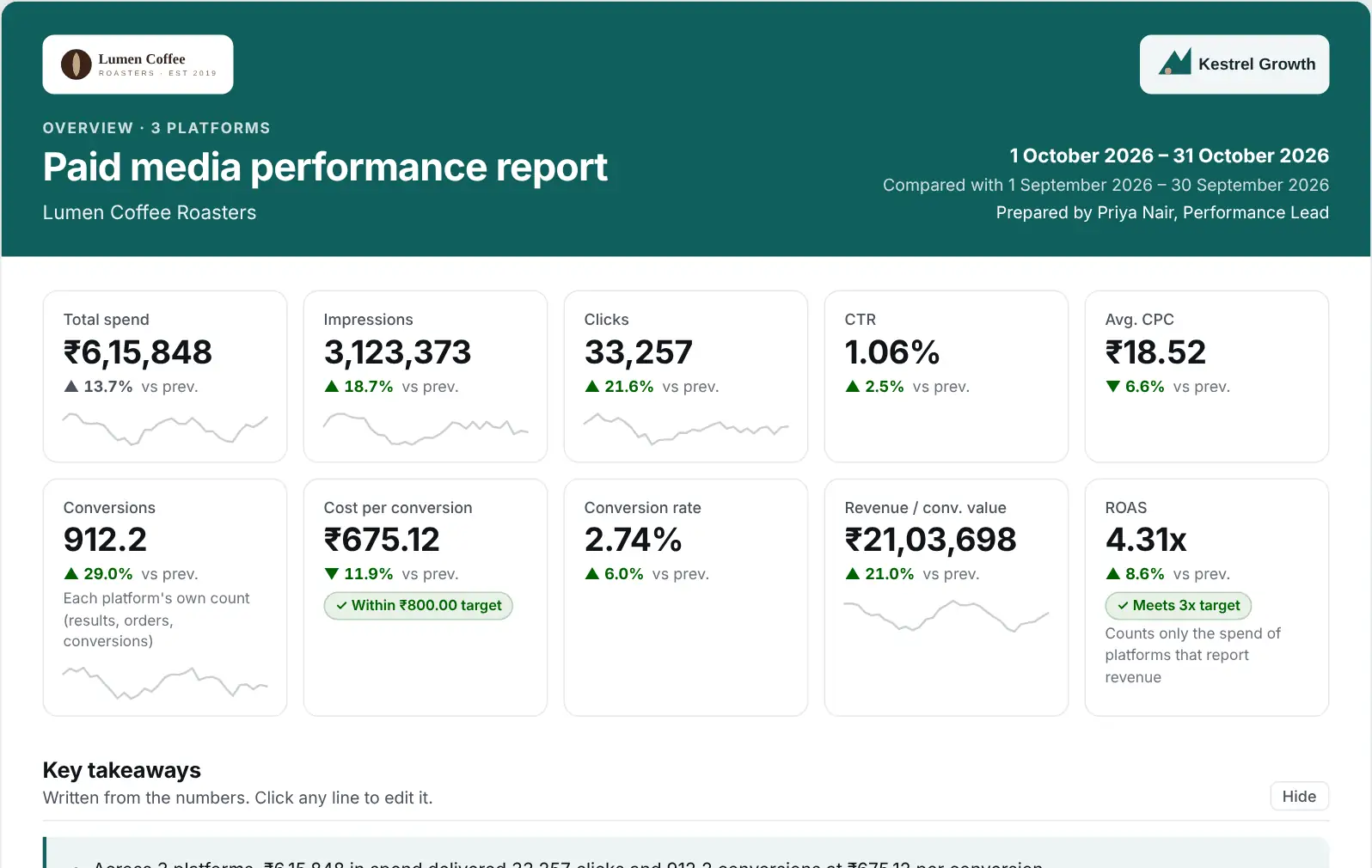
Use the free budget pacing calculator, read the budget pacing definition, or set a monthly budget in Recapora and every client report shows pacing for each platform automatically.
How it works
- Export a table from each ad platform as CSV or Excel. Export guides for 22 platforms.
- Drop the files into Recapora. Platforms, columns, currency and dates are detected for you.
- Add your logo, your client's logo and colours, check the takeaways and download.
Questions
What is the budget pacing formula?
Pacing % = spend to date ÷ (monthly budget × days passed ÷ days in month). 100% means you are exactly on track.
How do I calculate projected month-end spend?
Divide spend to date by days passed and multiply by the days in the month.
How do I calculate budget pacing in Excel?
Put budget in B1, spend in B2, days passed in B3 and days in month (=DAY(EOMONTH(TODAY(),0))) in B4, then use =B2/(B1*B3/B4).
Related: PPC formulas cheat sheet · Amazon Ads reporting API · Export Google Ads to Excel · Microsoft Ads report template · CPM vs CPC · Meta ads metrics explained · Instamart ads guide · LinkedIn ads report template · All articles