Blog · Amazon Ads
Amazon advertising reports explained
Amazon Ads has a different report for each ad type and level of detail. For a monthly client report you mostly need three: the campaign report, the search term report and the advertised product report.
The main report types
| Report | What it shows | Use it for |
|---|---|---|
| Campaign | Spend, sales, orders, ACoS and ROAS by campaign | The overview page |
| Search term | The shopper searches that triggered ads | Finding waste and new keywords |
| Targeting | Results by keyword or product target | Bid changes |
| Advertised product | Results by ASIN you advertised | Which products to push |
| Purchased product | Other products bought after an ad click | Halo sales |
| Placement | Top of search vs product pages vs rest of search | Placement bid adjustments |
Sponsored Brands and Sponsored Display have their own versions of most of these.
Metrics to report
- ACoS and ROAS (ROAS = 100 ÷ ACoS)
- TACoS, using total sales from Seller Central
- Orders, units, CPC and conversion rate
- Sales and spend trend by day
Remember that Amazon credits sales within an attribution window, so recent days can still change.
How to download them
In the Amazon Ads console go to Measurement & Reporting → Sponsored ads reports, create a report, choose the ad type and report type, set the time unit to Daily and the period, then download. Details: Amazon Ads export guide.
Build the client report
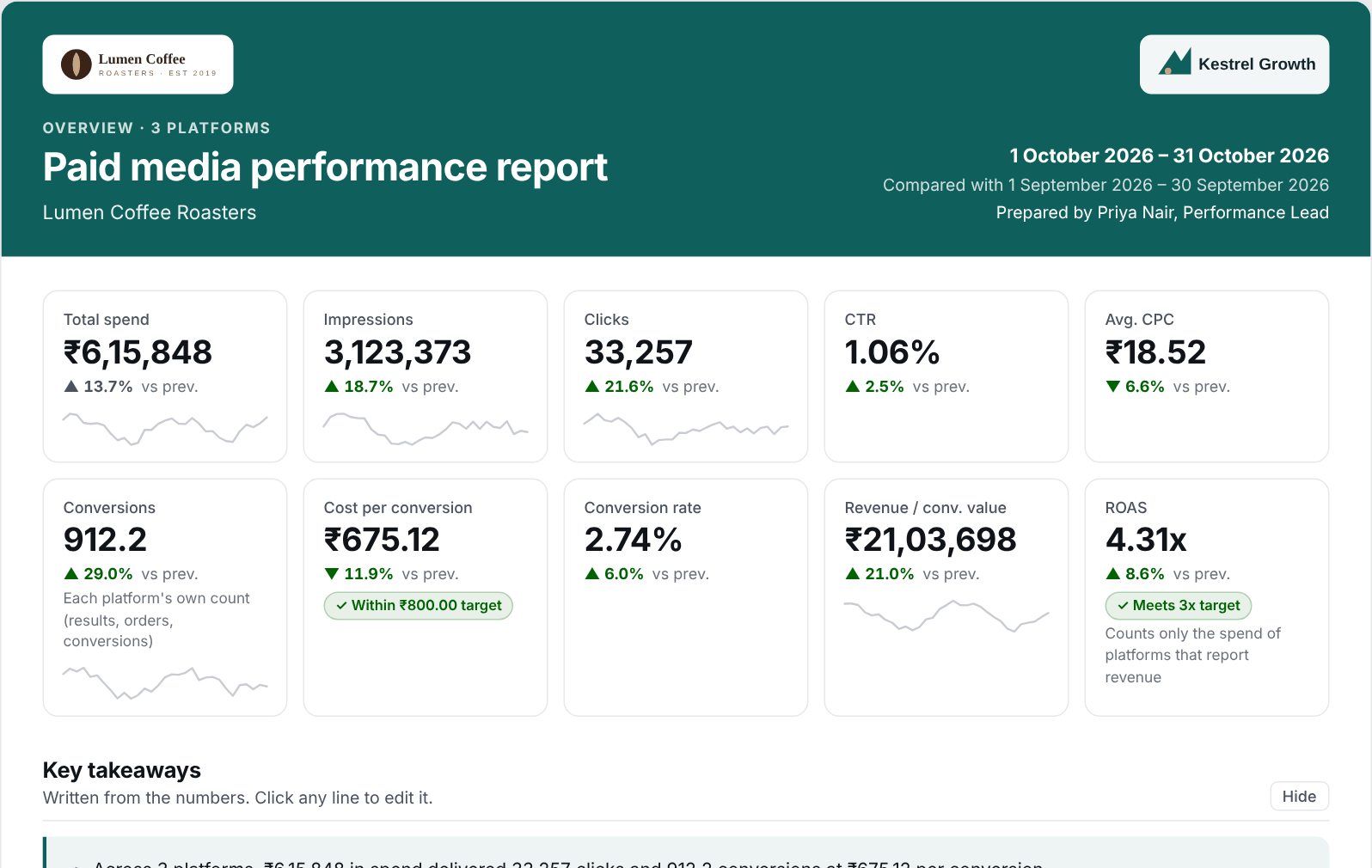
Drop the campaign and search term reports into Recapora alongside Flipkart, Blinkit, Google or Meta exports to get one branded report. Check margins with the ACoS calculator.
How it works
- Export a table from each ad platform as CSV or Excel. Export guides for 22 platforms.
- Drop the files into Recapora. Platforms, columns, currency and dates are detected for you.
- Add your logo, your client's logo and colours, check the takeaways and download.
Questions
What Amazon ads reports should I download?
For a monthly client report: the Sponsored Products campaign report, the search term report and the advertised product report, with a daily time unit.
What is ACoS in Amazon reports?
Advertising cost of sales: ad spend ÷ ad sales × 100. Lower is better; ROAS = 100 ÷ ACoS.
Why do my Amazon numbers change after a few days?
Amazon attributes sales to ads within an attribution window, so orders placed days after a click are added later.
Related: How to calculate ROAS · Meta ads ROAS goal · Looker Studio alternatives · Blinkit ads guide · What is a good ROAS? · How to read a Google Ads report · Meta ads report template · Google Ads report template (Excel) · All articles