Blog · Templates
Meta ads report template for Google Sheets
You can run a clean monthly Meta ads report in Google Sheets: import our free template, paste the Ads Manager export each month, and the formulas work out CTR, CPC, CPA and ROAS for each campaign and in total. Here is the setup, step by step.
Step 1: Get the template into Google Sheets
- Download the free report template.
- In Google Sheets choose File → Import → Upload and pick the file.
- Select Replace spreadsheet or Insert new sheets. Formulas keep working.
Step 2: Export from Ads Manager
In Meta Ads Manager set the month, choose the columns Amount spent, Impressions, Link clicks, Results and Purchases conversion value, then Reports → Export table data → .csv. Full steps: Meta Ads export guide.
Step 3: Paste and check
- Paste campaign name, spend, impressions, clicks, results and conversion value into the shaded columns of the Meta Ads sheet.
- CTR, CPC, CPA and ROAS fill in automatically.
- Totals are worked out from sums, so total ROAS is correct even when campaigns spend different amounts.
Step 4: Share with the client
Use Share → Anyone with the link → Viewer, or File → Download → PDF for a monthly snapshot. Add three takeaways on the Summary sheet; see email templates for sending it.
When Sheets gets slow
With several clients and platforms, pasting every month adds up. Recapora reads the Meta export directly and builds a branded report with charts and written takeaways in about five minutes. Also read what to include in a Meta ads report and how to set a Meta ROAS goal.
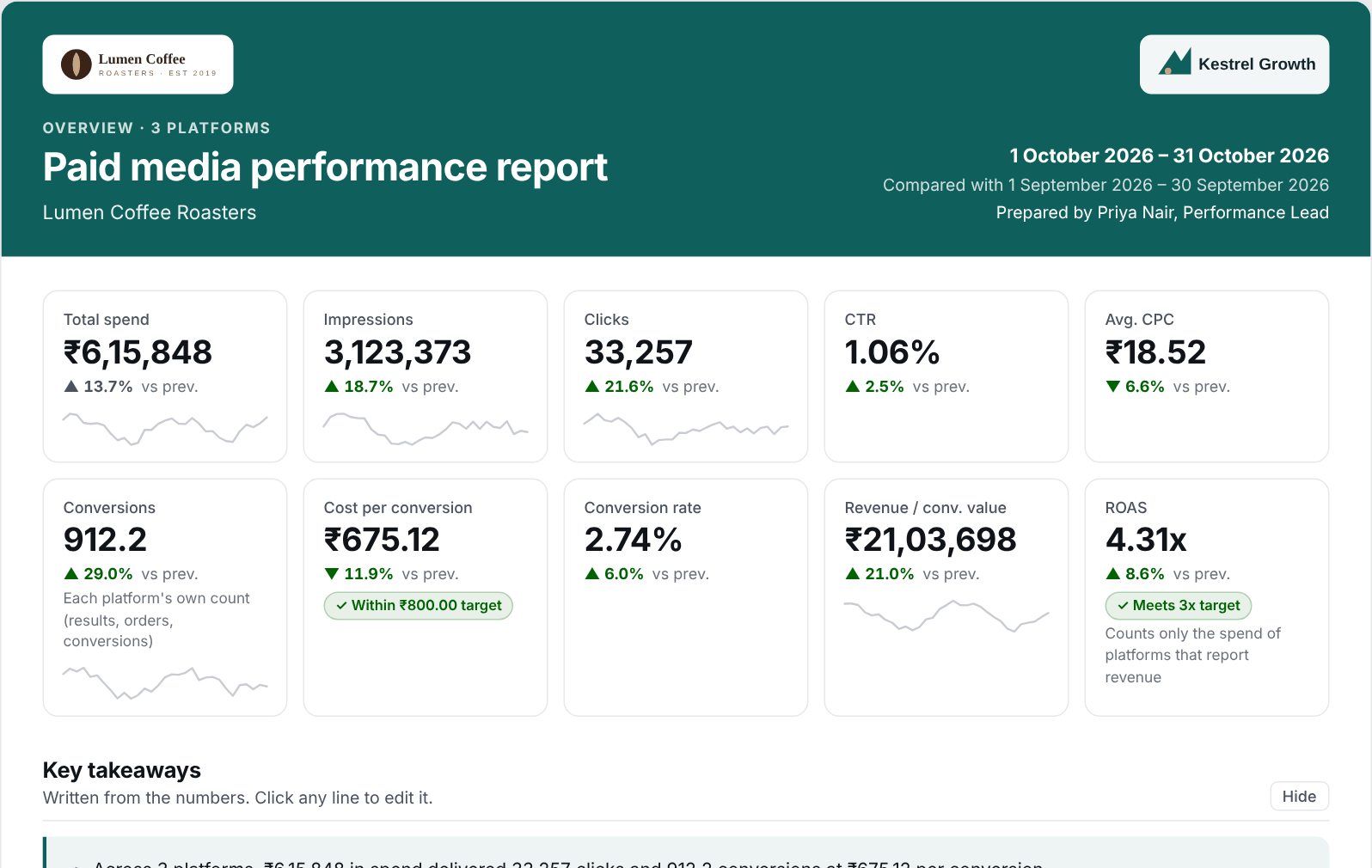
How it works
- Export a table from each ad platform as CSV or Excel. Export guides for 22 platforms.
- Drop the files into Recapora. Platforms, columns, currency and dates are detected for you.
- Add your logo, your client's logo and colours, check the takeaways and download.
Questions
Is there a free Facebook ads report template for Google Sheets?
Yes. Download the free template on this page and import it into Google Sheets with File → Import → Upload; the formulas keep working.
How do I get Meta ads data into Google Sheets?
Export the campaign table from Ads Manager as CSV and paste it into the template, or import the CSV with File → Import.
Related: Negative keywords for Google Ads · UTM parameters for Google and Meta ads · What is a good CTR? · Zepto ads guide · Flipkart ads guide · Google Ads reporting tools · How to calculate ROAS · Meta ads ROAS goal · All articles