Blog · Ad metrics
How to calculate ROAS (with examples for every platform)
ROAS = revenue from ads ÷ ad spend. Spend ₹10,000, earn ₹45,000 from those ads, and your ROAS is 4.5 (4.5x, or 450% as a percentage). The formula is the same everywhere; what changes is which column each platform puts the revenue in.
The formula
ROAS = conversion value ÷ ad spend. As a percentage: ROAS × 100.
| Spend | Revenue from ads | ROAS | As % |
|---|---|---|---|
| ₹10,000 | ₹45,000 | 4.5x | 450% |
| $2,000 | $5,000 | 2.5x | 250% |
| ₹50,000 | ₹40,000 | 0.8x | 80% |
Or use the free ROAS calculator.
How to calculate ROAS in Meta (Facebook) Ads
In Ads Manager, add the columns Amount spent and Purchases conversion value, or simply Purchase ROAS (return on ad spend), which Meta calculates for you. Check the attribution setting (usually 7-day click, 1-day view) because it changes which purchases are counted. More in attribution window.
How to calculate ROAS in Google Ads
Google calls ROAS Conv. value / cost. Add that column in the campaign table, or divide Conv. value by Cost. It only works if your conversion actions send a value, for example purchase revenue from your store. See how to read a Google Ads report.
How to calculate ROAS on Amazon
Amazon Ads shows ROAS and ACoS. ROAS = sales ÷ spend; ACoS = spend ÷ sales × 100. Convert with ROAS = 100 ÷ ACoS (25% ACoS = 4x ROAS). Use the ACoS calculator.
How to calculate ROAS in Excel
With spend in column B and revenue in column F, use =F2/B2 per campaign and format as 0.00"x". For the total, divide the sum of revenue by the sum of spend, =SUM(F:F)/SUM(B:B), never the average of the ROAS column. The free Excel report template has these formulas set up.
Is your ROAS good?
Compare it with your break-even ROAS (1 ÷ gross margin). Read what is a good ROAS or use the break-even ROAS calculator.
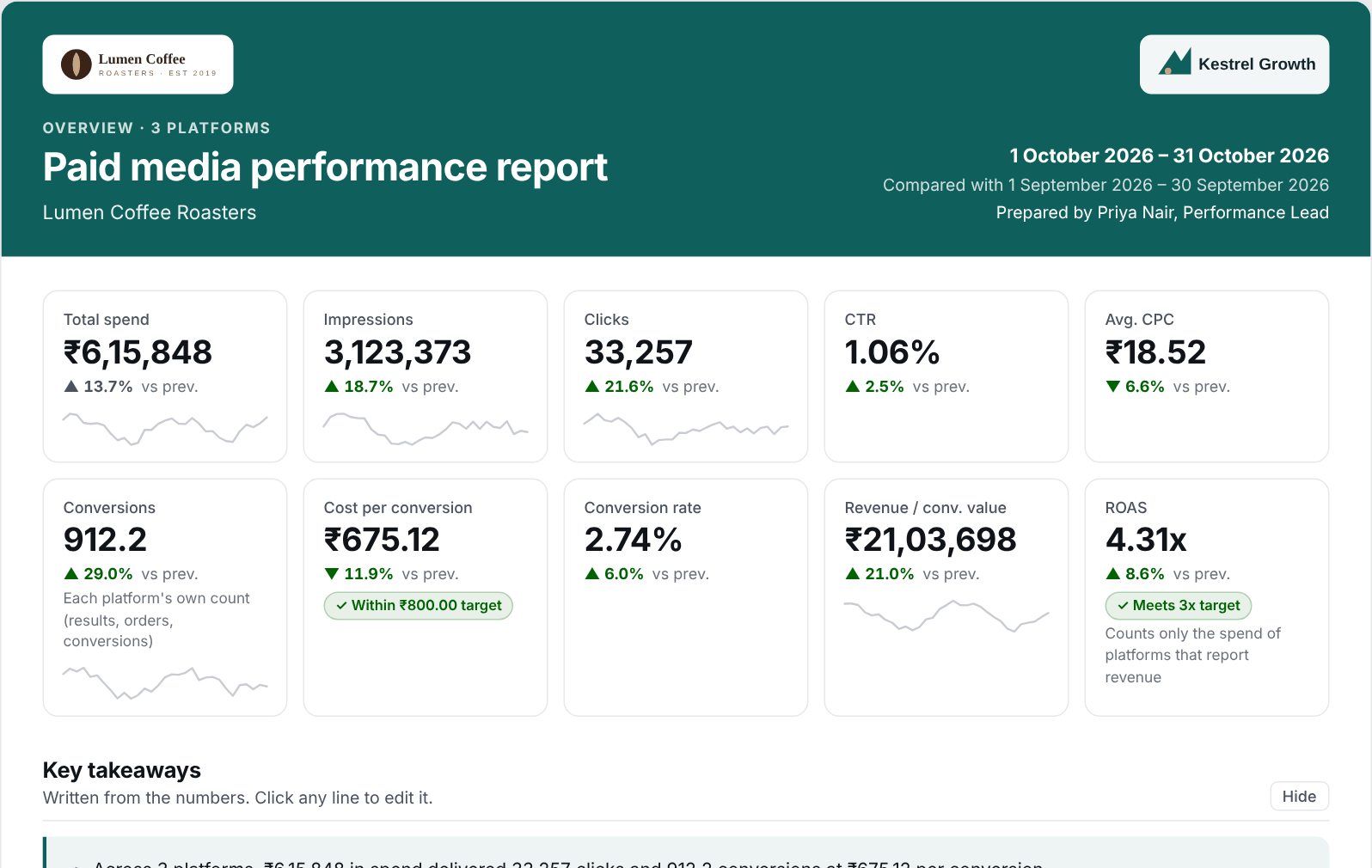
How it works
- Export a table from each ad platform as CSV or Excel. Export guides for 22 platforms.
- Drop the files into Recapora. Platforms, columns, currency and dates are detected for you.
- Add your logo, your client's logo and colours, check the takeaways and download.
Questions
What is the formula for ROAS?
ROAS = revenue from ads ÷ ad spend. ₹45,000 of revenue from ₹10,000 of spend is a ROAS of 4.5.
How do I calculate ROAS as a percentage?
Multiply ROAS by 100. A ROAS of 4.5 is 450%.
How do I calculate total ROAS across campaigns?
Add up revenue and add up spend, then divide total revenue by total spend. Don't average the campaign ROAS figures.
Related: Negative keywords for Google Ads · UTM parameters for Google and Meta ads · What is a good CTR? · Zepto ads guide · Flipkart ads guide · Meta ads report in Google Sheets · Google Ads reporting tools · Meta ads ROAS goal · All articles