Blog · Google Ads
How to read a Google Ads report (every column explained)
Read a Google Ads report from the money backwards: start with Cost and Conversions, then Cost / conv. and Conv. value / cost (that is your ROAS), and only then look at clicks, CTR and CPC to understand why the results moved.
The columns, in plain English
| Google Ads column | What it means |
|---|---|
| Impr. | How many times your ads were shown |
| Clicks | How many times people clicked |
| CTR | Clicks ÷ impressions (more) |
| Avg. CPC | Average cost per click (more) |
| Cost | Total spend |
| Conversions | Actions you track, such as purchases or leads |
| Cost / conv. | Spend per conversion, the CPA |
| Conv. rate | Conversions ÷ clicks (more) |
| Conv. value | Revenue from conversions |
| Conv. value / cost | Revenue ÷ spend, the ROAS |
| Search impr. share | Share of eligible searches where you showed (more) |
What to check first
- Cost vs budget: are you on pace? (budget pacing)
- Conversions and Cost / conv.: did results and their cost improve on last month?
- Conv. value / cost: is ROAS above break-even?
- Campaign split: brand vs generic vs Performance Max.
- Search terms: what people actually typed, to find waste.
Common mistakes
- Averaging ROAS or CPA across campaigns instead of recalculating from totals.
- Comparing months with a changed conversion action or attribution model.
- Judging Performance Max on clicks; judge it on conversions and value.
Turning it into a client report
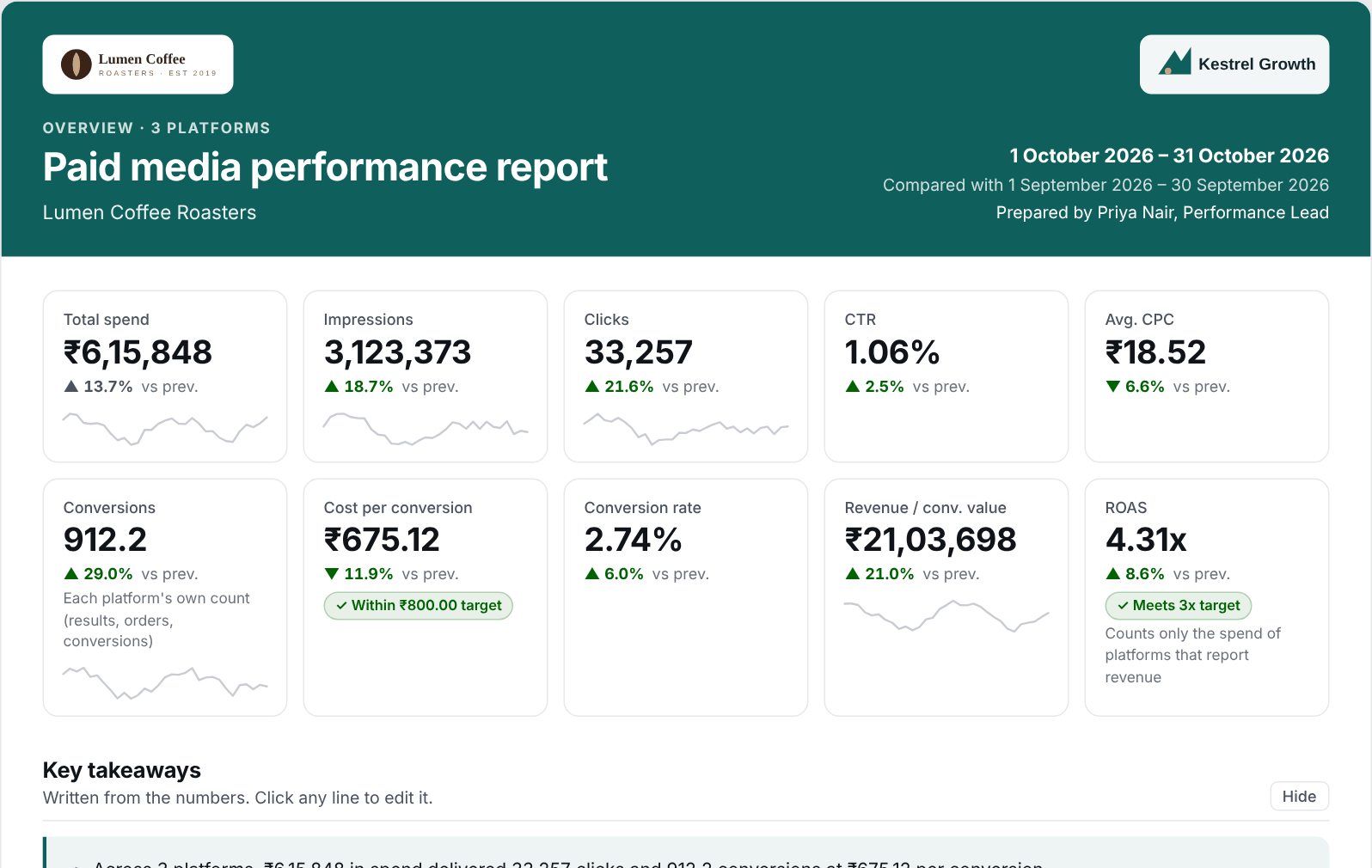
Download the campaign table (see how to export from Google Ads) and drop it into Recapora to get a branded report with these metrics, trends and written takeaways. Prefer a spreadsheet? Get the free Excel report template.
How it works
- Export a table from each ad platform as CSV or Excel. Export guides for 22 platforms.
- Drop the files into Recapora. Platforms, columns, currency and dates are detected for you.
- Add your logo, your client's logo and colours, check the takeaways and download.
Questions
Which Google Ads column shows ROAS?
Conv. value / cost. It is conversion value divided by cost, which is ROAS.
What is a good CTR in Google Ads?
It varies a lot by industry and campaign type; compare against your own past months and your brand vs generic campaigns rather than a universal number.
How do I read Google Ads metrics?
Start with Cost, Conversions, Cost / conv. and Conv. value / cost; then use clicks, CTR and CPC to explain why they changed.
Related: Negative keywords for Google Ads · UTM parameters for Google and Meta ads · What is a good CTR? · Zepto ads guide · Flipkart ads guide · Meta ads report in Google Sheets · Google Ads reporting tools · How to calculate ROAS · All articles