Report format
Digital marketing report format for clients
Here is the monthly report format that clients read to the end, and how to produce it from your ad platform exports in minutes.
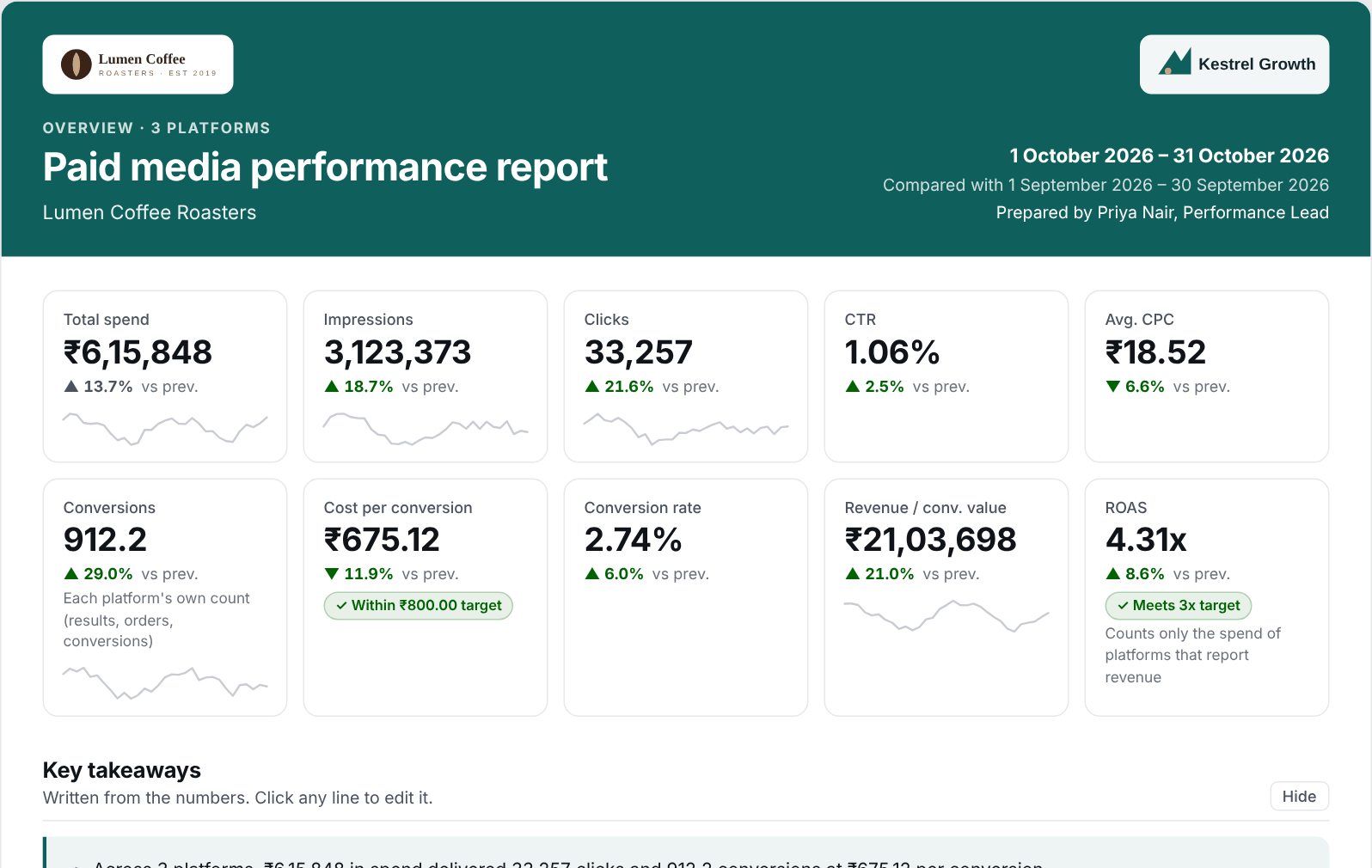
The format, page by page
- Cover: client logo, your logo, report period and platforms covered.
- Summary: total spend, results, cost per result and return, each with the change from last month.
- Key takeaways: three to five sentences with numbers, what worked, what did not.
- Budget: spend against the monthly budget and pacing.
- Platform mix: where the money went and what each platform returned.
- One page per platform: campaign table, top ads or keywords, trend.
- Next steps: what you will change next month.
Common mistakes
- Too many metrics. Clients care about spend, results and cost per result.
- No comparison. A number without last month means little.
- No narrative. Charts without a summary get skipped.
- Screenshots from five dashboards in five styles.
Make it automatically
Recapora follows this format out of the box. Drop in last month's and this month's exports from each platform, add your branding, and download. See a sample report.
How it works
- Export a table from each ad platform as CSV or Excel. Export guides for 22 platforms.
- Drop the files into Recapora. Platforms, columns, currency and dates are detected for you.
- Add your logo, your client's logo and colours, check the takeaways and download.
Questions
How often should I send a client report?
Monthly for most clients, weekly for large budgets or launches. The same format works for both.
Should I send a PDF or a link?
Both work. Recapora gives you one file that opens in any browser and a multi-page PDF.
What should a digital marketing report include?
Spend, results, cost per result, return, change from last period, platform mix, top campaigns, written takeaways and next steps.
Related: Negative keywords for Google Ads · UTM parameters for Google and Meta ads · What is a good CTR? · Zepto ads guide · Flipkart ads guide · Meta ads report in Google Sheets · Google Ads reporting tools · How to calculate ROAS · All articles