Blog · Templates
Free Google Ads report template for Excel
A ready-made Excel template for monthly Google Ads client reports. Paste your campaign export, and CTR, CPC, CPA and ROAS are calculated for each campaign and in total, the right way.
Download
Download the Google Ads report template (.xlsx)
Includes Google Ads and Meta Ads sheets, an all-platform summary with change vs last month, and space for takeaways.
How to fill it in
- In Google Ads, open Campaigns, set the month, and download the table as Excel or CSV (step by step).
- Paste Campaign, Cost, Impr., Clicks, Conversions and Conv. value into the shaded columns.
- Enter last month's totals on the Summary sheet.
- Write three takeaways.
Why totals are calculated from sums
The template works out total CPA as total cost ÷ total conversions and total ROAS as total value ÷ total cost. Averaging campaign ROAS gives the wrong answer whenever campaigns spend different amounts, which is the most common error in spreadsheet reports.
When you outgrow the spreadsheet
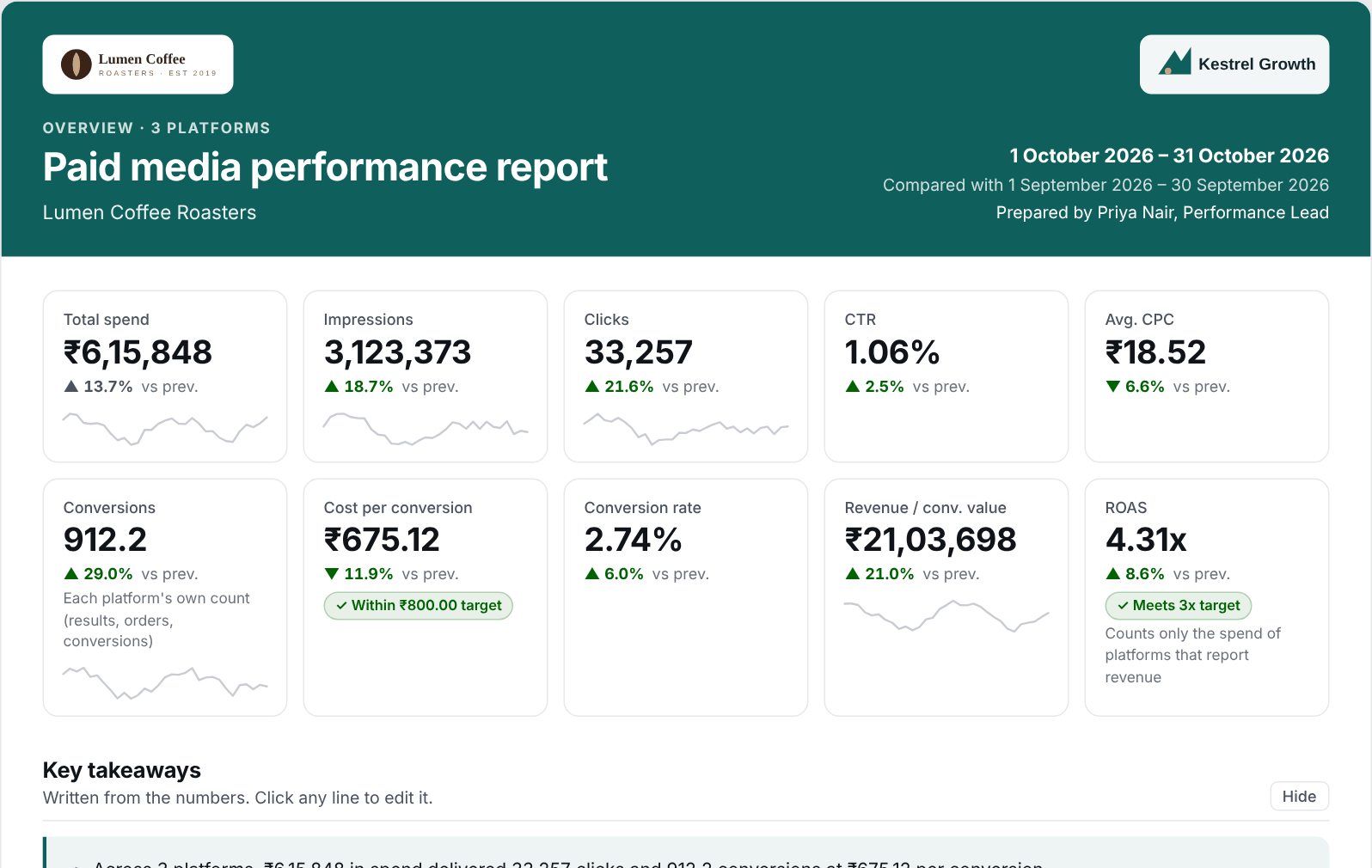
With many clients or platforms, pasting gets slow. Recapora reads the export directly, detects the columns for 22 platforms, and builds a branded report with charts and takeaways. Also see how to read a Google Ads report.
How it works
- Export a table from each ad platform as CSV or Excel. Export guides for 22 platforms.
- Drop the files into Recapora. Platforms, columns, currency and dates are detected for you.
- Add your logo, your client's logo and colours, check the takeaways and download.
Questions
Is there a free Google Ads report template in Excel?
Yes. Download the free .xlsx template on this page; it includes formulas for CTR, CPC, CPA and ROAS and a monthly summary.
How do I export a Google Ads report to Excel?
Open Campaigns, set the date range, click the download icon above the table and choose Excel (.xlsx) or CSV.
Related: How to calculate ROAS · Meta ads ROAS goal · Looker Studio alternatives · Blinkit ads guide · What is a good ROAS? · How to read a Google Ads report · Meta ads report template · Monthly marketing report template · All articles